Every flight priced and charged to the member's account
Volanti prices every completed flight at your rates and charges it to the member's account, with receipts, balances and statements. Members pay by card, overdue balances are chased automatically, and payouts land in your own bank account.
From completed flight to payout
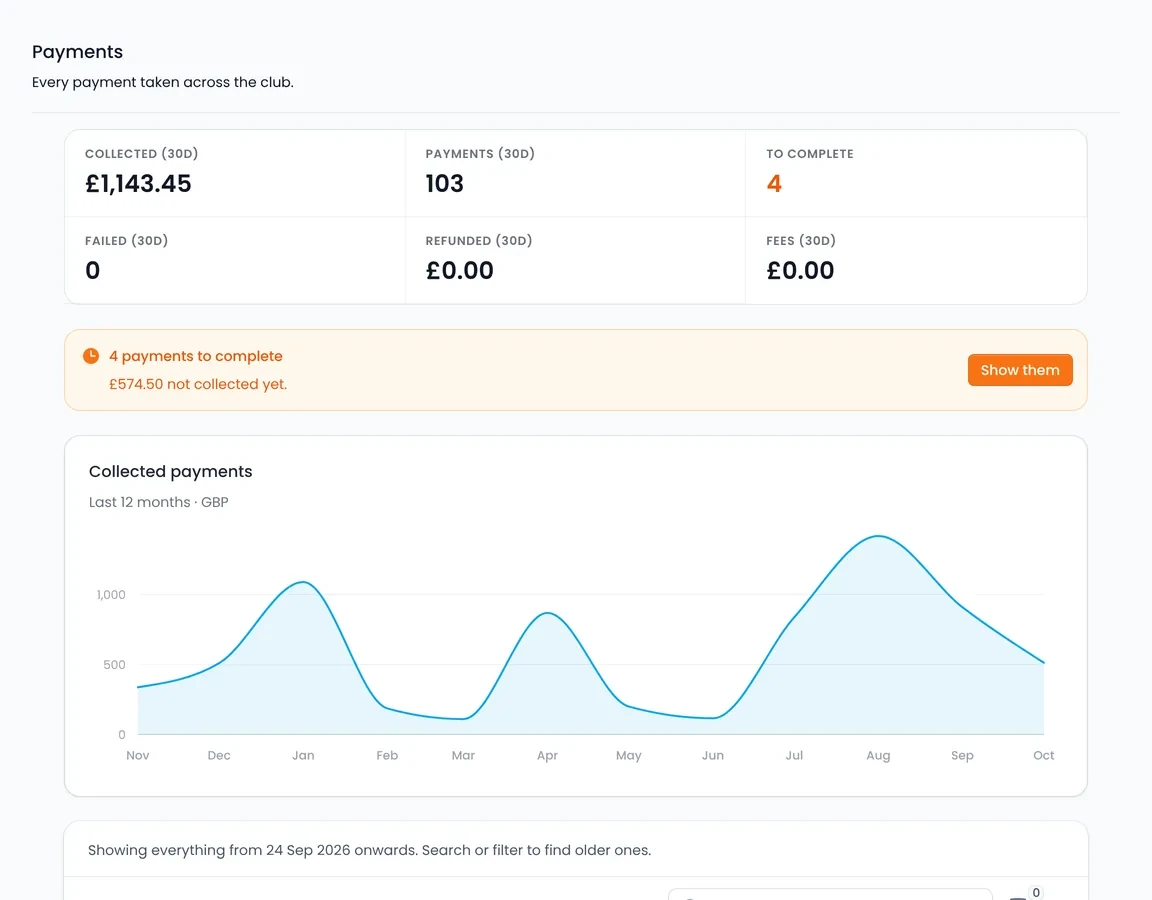
Card, cash, bank transfer and card machine payments all land on the member's account, and card payments are paid out to your own bank.
The flight completes
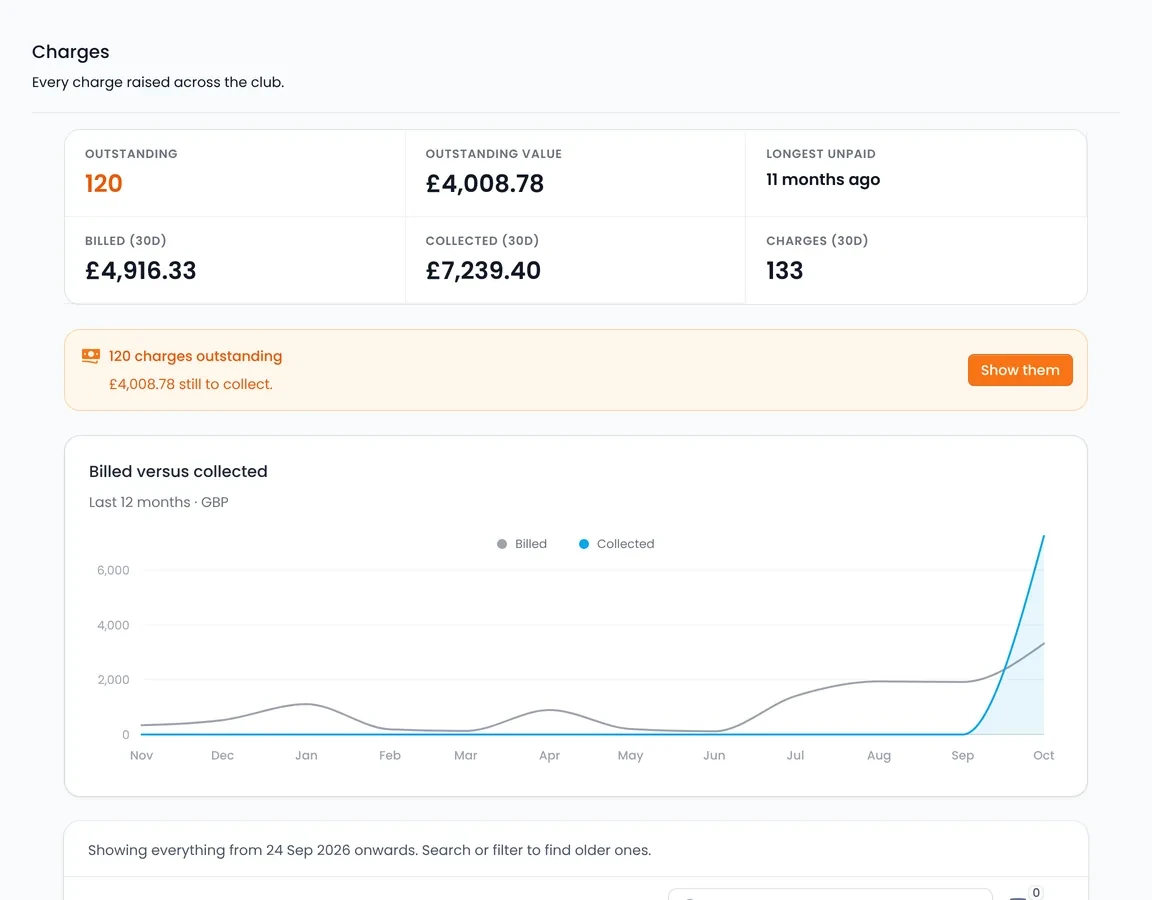
Volanti prices it at your rates and the charge is added to the member's account automatically.
The member pays
By card in the portal, at a terminal on the front desk, over the phone, or through a payment link. Staff record cash, bank transfer and card machine payments.
Overdue balances are chased
Outstanding balances receive automated reminders until they are settled.
Payout to your bank
Card payments are paid out to your own bank account on a schedule you control, after card processing fees, with payout reports that reconcile.
Ways a member can pay
Each payment lands on the member's account
- Card terminal on the front desk Paid
- Card in the pilot portal Paid
- Card over the phone Paid
- Payment link by email Sent
Ways to take a card payment
Volanti takes card payments through Stripe or Square. Payment links cover members who are not at the desk or in the portal.
- Online card payments through Stripe or Square
- In-person card terminals for the front desk
- Over-the-phone card payments
- Pay-by-link requests and self-service "settle my balance"
- Touch-screen front desk checkout
Statements and automatic chasing
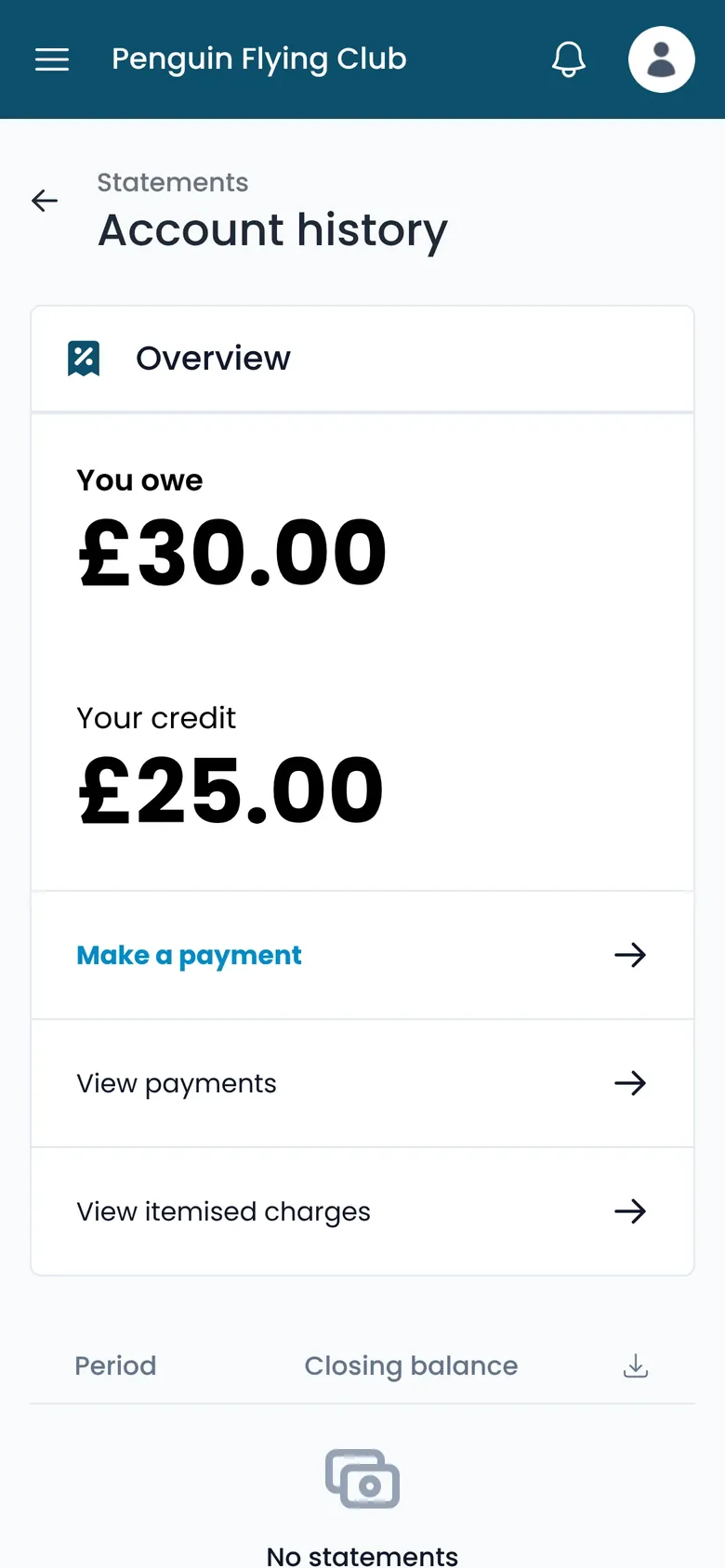
Statements are generated monthly with sequential references and a PDF download, and members view them in the portal. Overdue balances are chased automatically until they are settled.
- Monthly statements generated automatically, with PDF
- Automated reminders for overdue balances
- Part payments across charges
- Refunds and voids
Prepaid and block-hour accounts
Packages fund prepayment and block-hour accounts, and account credit and credit requests sit on the same member ledger.
Block hours
Packages fund prepayment accounts. Flights draw the balance down, and alerts fire as an account approaches zero.
Account credit
Account credit sits on the ledger, and credit requests are submitted for approval or rejection.
Payout reports
Card payments are paid out to the club's own bank on the payout schedule you set, with payout reports to reconcile against.
Tax, currency and Xero
Xero two-way sync
Invoices and payments sync between Volanti and Xero in both directions.
Sales tax
Prices set inclusive or exclusive of tax, per item.
Multi-currency
Charge and report in the currency you operate in.
Discount codes
Percentage or fixed amounts, with date windows and per-item targeting.
Automatic discounts
Standing discounts apply when their conditions are met.
Sellable packages
Bundles of hours, memberships and extras that members buy online and that fund their balances.
Try Volanti free for 30 days.
Set your rates and each completed flight is charged to the member's account, ready to be paid by card, chased if overdue and settled to your bank.